Problems & Fixes
Why Portals Reject Your PDF (and How to Fix It)
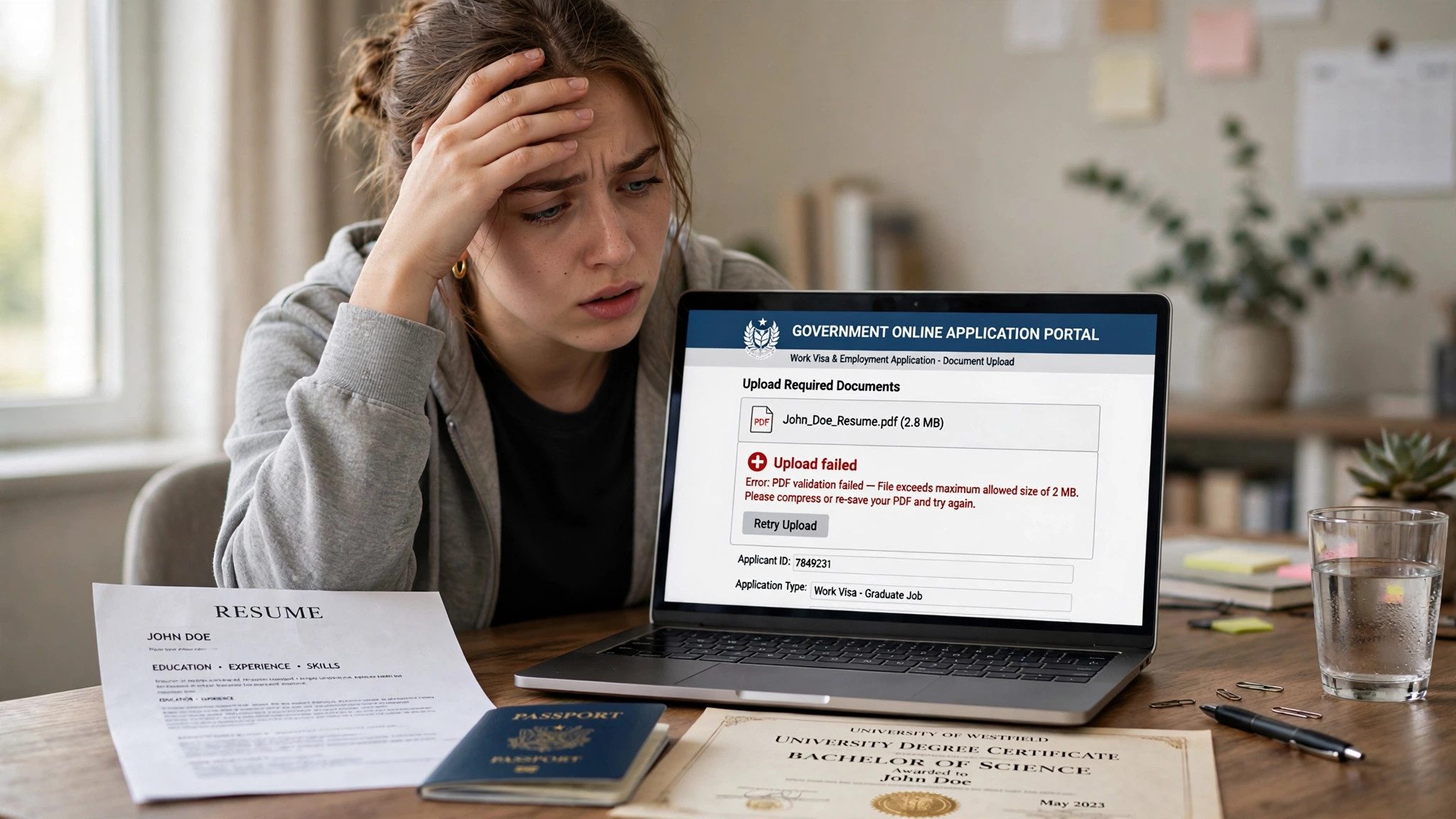
You have filled in every field, gathered every document, and hit upload — only for the portal to throw your PDF back with a vague error. Visa, job and university portals are some of the strictest uploaders around, and they rarely explain what went wrong. The good news: almost every rejection comes down to one of five fixable problems, and none of them means starting your application again.
First, read the error properly
Before fixing anything, copy the exact error message, and check the portal's upload rules — usually listed beside the upload button or in a help page. Note three things: the maximum file size, the accepted formats, and any mention of PDF/A or a specific PDF version. Most fixes below take under five minutes once you know which rule you broke, so do not keep re-uploading the same file hoping for a different result.
1. The file is too big
This is the most common rejection, and the most misleading. Email limits are generous — 20MB or 25MB — but a visa or university portal may cap uploads at 2MB, 1MB or even 500KB per file. A scanned passport or certificate, photographed at full phone resolution, can easily be 5MB or more, so it fails even though it looks like a small document to you.
- Open PDFZippy's Compress PDF tool — it runs in your browser, so your document is never uploaded anywhere.
- Drop in the PDF and drag the quality slider toward Smaller file.
- Download the result and check its size against the portal's limit, leaving a small safety margin.
- If it is still too large, run the tool once more on the compressed file, or use Split PDF to divide a multi-page document into smaller parts if the portal allows several uploads.
One warning: do not compress so hard that text becomes unreadable. If a scanned page turns blurry, step the quality back up one notch — a readable file slightly under the limit beats a tiny file a human reviewer cannot read.
2. The portal wants PDF/A, not an ordinary PDF
Some government and university systems accept only PDF/A, the archival flavour of PDF. Where an ordinary PDF can link to fonts on your computer or carry encryption, PDF/A embeds everything the file needs and forbids encryption, so it is guaranteed to open identically years later. That is why archives and official portals insist on it — and why a perfectly normal PDF can be rejected with a message about format or validation.
The fix is a conversion, not a rebuild. Open PDFZippy's PDF to PDF/A tool, convert your file, and upload the converted version. If the portal names a specific level, such as PDF/A-2b, use that one; otherwise the tool's default archival output is the right choice. Our guide PDF vs PDF/A: What's the Difference? explains the format in plain terms if you want the full picture.
3. The file is damaged or incomplete
A PDF can open fine in your browser or reader and still be rejected by a strict portal. Viewers are forgiving; portal validators are not. The usual causes are an interrupted download, a file saved by several different apps, or an export that stopped halfway. Signs include a file that opens but shows blank pages, or one whose size looks wrong for its page count.
Start with the cleanest source you have: re-export the document from Word, Google Docs or your scanner app, rather than re-saving the suspect copy again and again. If no clean original exists, run the file through PDFZippy's Repair PDF tool and upload the repaired version. Either way, open the new file yourself and check every page before uploading — a repair that drops a page is worse than no repair at all.
4. The file is locked, scanned badly, or not really a PDF
Three smaller traps catch people out. First, a password-protected PDF will fail on most portals, because their systems cannot open it to check it — remove the password from your own copy before uploading (our guide to removing a PDF password covers this). Second, a photo of a document saved with a .pdf extension is still an image, and some portals reject image-only pages or demand a minimum resolution — re-scan at a sensible resolution, or convert the image properly. Third, check the filename itself: spaces, special characters and very long names break some uploaders, so rename it to something simple like passport.pdf before you try again.
A quick checklist before you re-upload
- File size is under the portal's limit, with room to spare.
- Format matches the rules — PDF/A if the portal asks for it.
- File opens cleanly, with every page present and readable.
- No password on the file, and a simple filename with no special characters.
- You are uploading the fixed copy, not the original rejected file.
If a portal still rejects a file that passes every check above, the problem is usually on the portal's side — a temporary outage or a bug in its validator. Wait an hour, try a different browser, and if it still fails, contact the portal's support desk with the exact error message and the file's size and format. That detail gets you a useful answer instead of a generic one.
Fix it now — free
Compress your PDF under the portal's limit, or convert it to PDF/A — right in your browser, with nothing uploaded.
Open Compress PDF🔒 Files stay on your device — nothing is uploaded. Also try PDF to PDF/A.
Frequently asked questions
Why does a portal say my PDF is too large when it looks small?
Portal limits are often much stricter than email limits — 1MB or 2MB is common for visa and university uploads. A scanned document can easily exceed that, even if it is only a few pages long. Compressing it, or splitting it into smaller parts, usually brings it under the limit.
What is PDF/A, and why do some portals ask for it?
PDF/A is an archival version of PDF designed to look exactly the same years later. It embeds all fonts and forbids encryption, so a portal can be sure the file will open correctly and stay readable. Converting a regular PDF to PDF/A with the PDF to PDF/A tool usually satisfies a portal that demands it.
My PDF opens fine on my computer, so why does the portal call it corrupt?
A PDF can open in a forgiving viewer while still having damaged internal structure that a strict portal validator rejects. The usual causes are an interrupted download, a faulty export, or a file edited by several apps. Re-exporting the document, or running it through a repair tool, often produces a clean copy the portal accepts.
Can I fix a rejected PDF without uploading it to a website?
Yes. PDFZippy's tools run entirely in your browser, so your document never leaves your device while you compress it, convert it to PDF/A, split it, or repair it.