Compress Your PDF File
Reduce your PDF file size quickly without losing quality.
File Management
0 filesNo files added yet. Use the upload area below to add PDF files.
Compression Options
Choose your preferred compression level to balance file size and quality:
Compression Notes:
- High Quality: 10-30% size reduction, maintains excellent image and text quality
- Recommended: 30-60% size reduction, good balance of quality and file size
- Maximum Compression: 60-80% size reduction, smallest files but may affect image quality
Processing time: 0 seconds
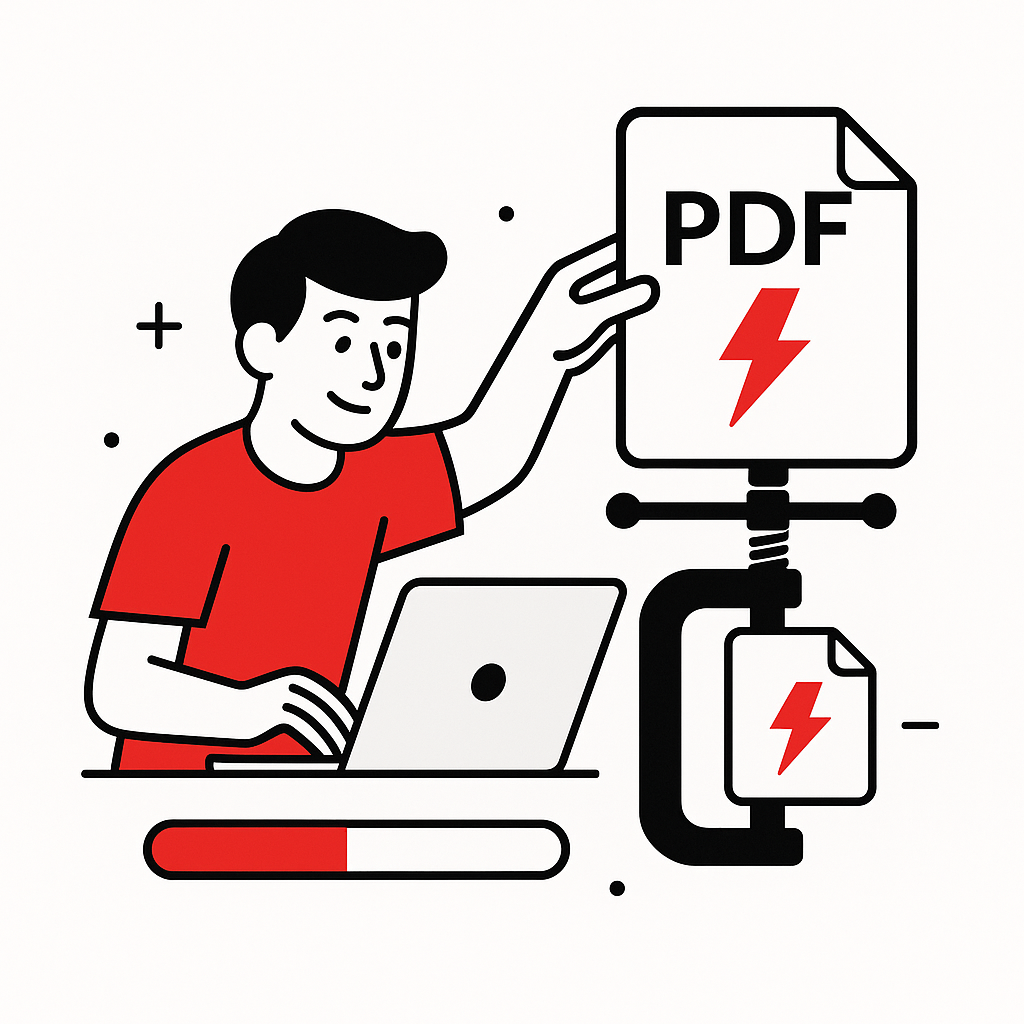
Powerful Features of Our PDF Compressor
Optimize your PDFs with our fast, secure, and easy-to-use compression tool.
Lightning-Fast Compression
Compress PDF files quickly with advanced algorithms, reducing file size in seconds without sacrificing quality.
Secure File Processing
Your PDFs are processed with end-to-end encryption and automatically deleted after compression for maximum privacy.
Cross-Platform Compatibility
Use our PDF compressor on any device, including desktop, tablet, or mobile, for seamless file optimization.
No Quality Loss
Reduce PDF size while preserving text clarity, images, and document formatting with our smart compression technology.
How to Compress a PDF in 4 Easy Steps
Reduce your PDF file size effortlessly with our user-friendly tool.
Upload Your PDF
Drag and drop or select your PDF file from your device to start the compression process.
Choose Compression Level
Select your preferred compression level to balance file size and quality.
Compress PDF
Click to compress your file instantly using our advanced optimization algorithms.
Download Compressed PDF
Save your optimized PDF file, ready for sharing or storage.
About PDF Compression
What is PDF Compression?
PDF compression is the process of reducing the file size of a PDF document without significantly affecting its visual quality. This is achieved by optimizing images, removing redundant data, and using efficient encoding techniques.
Why Compress PDFs?
- Faster Sharing: Smaller files upload and download quicker
- Email Compatibility: Meet attachment size limits
- Storage Savings: Reduce disk space usage
- Web Performance: Faster loading on websites
Compression Techniques
Our tool uses advanced compression algorithms including:
- Image Optimization: Reduce image resolution and apply lossy/lossless compression
- Font Subsetting: Include only used characters from fonts
- Data Deduplication: Remove duplicate objects and streams
- Efficient Encoding: Use optimal compression for text and graphics
Quality Preservation
We prioritize quality while reducing size. Choose from three compression levels to balance your needs between file size reduction and visual quality.