Organize PDF Pages
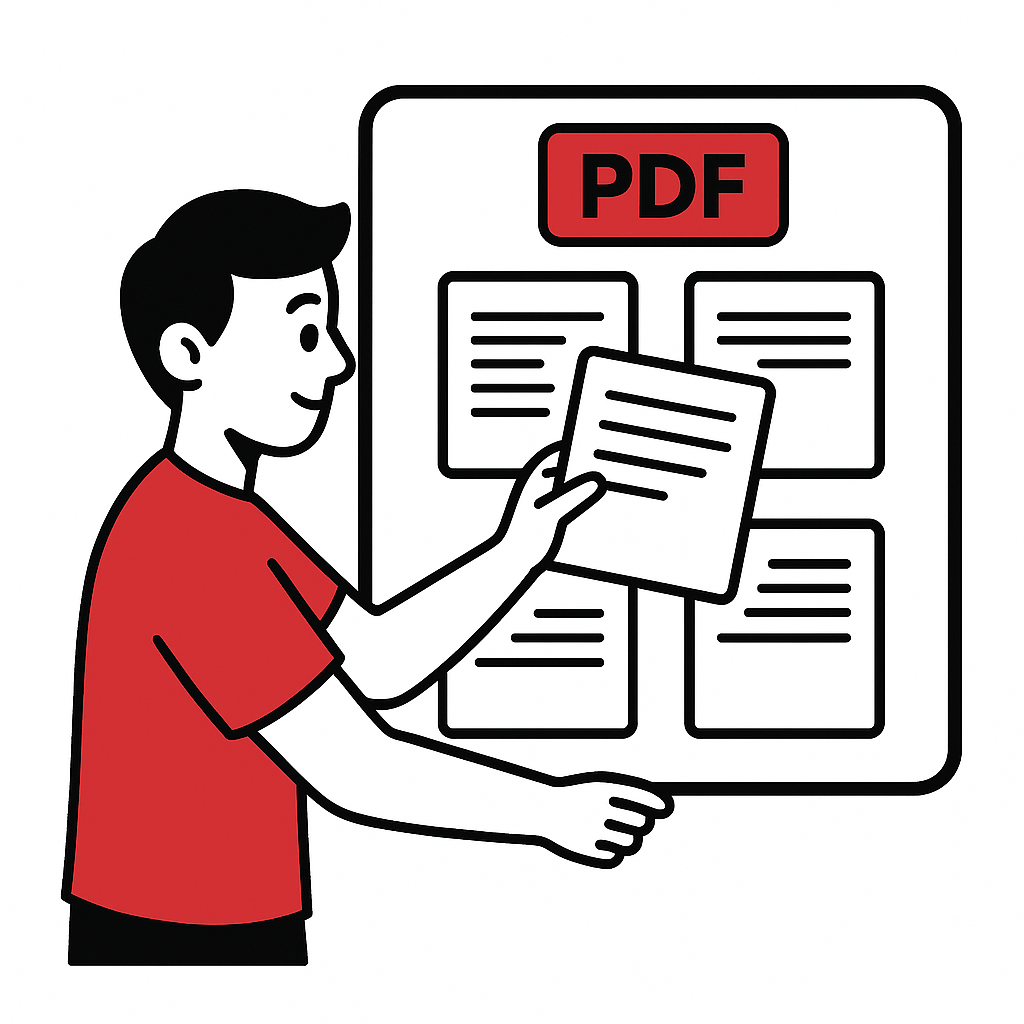
Reorganize PDF pages in any order. Change page sequence, remove unwanted pages, and create a new PDF with your desired page arrangement.
Organization Options
File processed in 0 seconds
Powerful Features
Organize your PDFs quickly and securely with our easy-to-use tool.
Fast Processing
Reorder and arrange pages in seconds.
Secure
Files are processed securely and removed after completion.
Works Everywhere
Use it on desktop or mobile, any modern browser.
Quality Preserved
Page content and layout remain intact.
How to Organize a PDF in 4 Steps
Follow these simple steps to reorder your PDF pages.
Upload PDF
Select your PDF file to begin.
Choose Options
Set your preferred page order settings.
Process
We organize your PDF instantly.
Download
Save your organized PDF.
About Organizing PDF Pages
What is PDF Organization?
PDF organization allows you to reorder, rearrange, and restructure pages within a document. Change the page sequence to improve document flow and logical structure.
Why Organize PDFs?
- Fix Page Order: Correct scanning or merging mistakes
- Logical Flow: Arrange content in proper sequence
- Better Presentation: Structure documents professionally
- Custom Arrangement: Tailor order for specific audiences
Organization Features
Powerful tools for page management:
- Drag-and-Drop: Intuitive visual page reordering
- Page Preview: See thumbnails while arranging
- Bulk Operations: Move multiple pages at once
- Undo Support: Reverse changes as needed
Common Scenarios
Perfect for fixing scanned documents, reorganizing reports, preparing presentations, and creating custom document versions for different audiences.