Split PDF
Split a PDF into multiple smaller files.
Choose Split Method
Every Page
Split each page into a separate PDF file
Page Ranges
Split by specific page ranges
Equal Parts
Split into equal number of parts
File Size
Split when file size exceeds limit
Your file is ready. Click download to save the output.
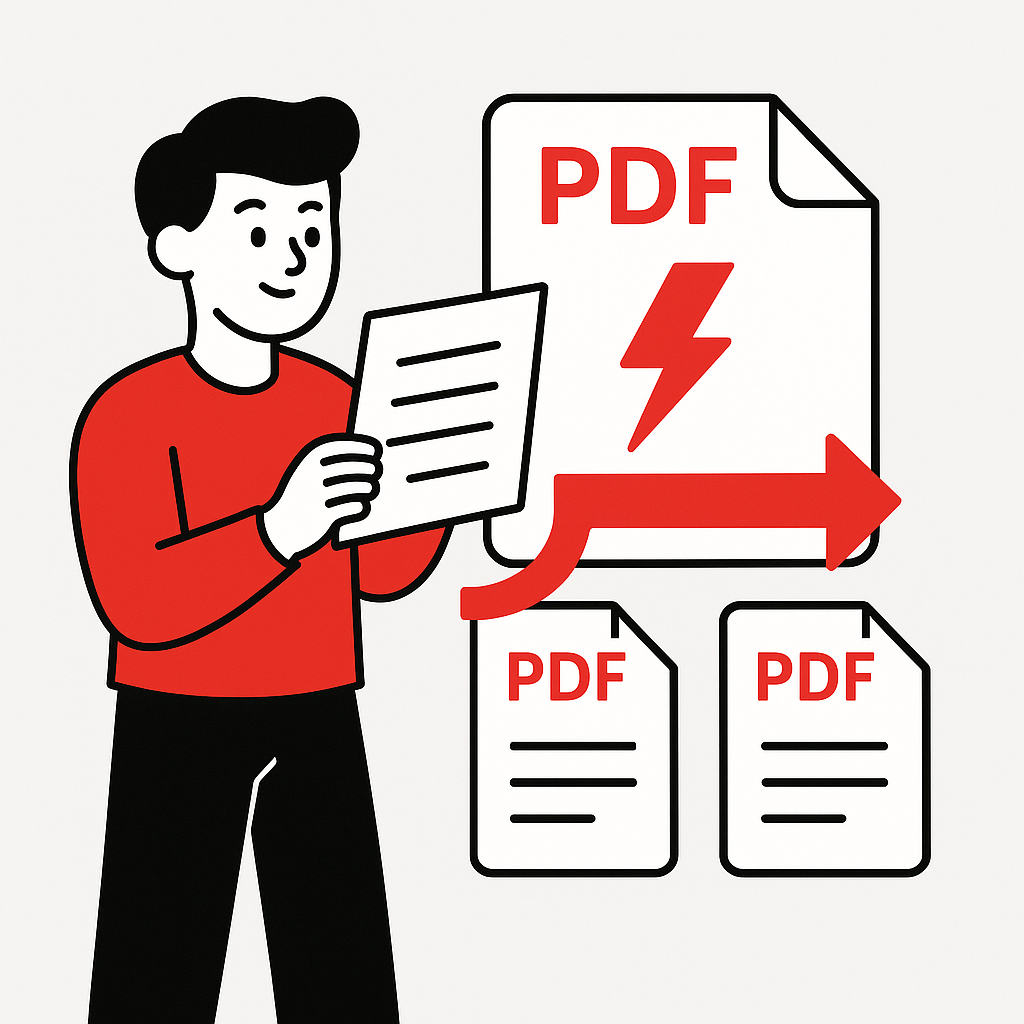
How to Split a PDF in 4 Steps
Divide your PDF into separate files quickly.
1
Upload PDF
Select your PDF file to split.
2
Choose Options
Each page becomes a separate file.
3
Process
We split your PDF instantly.
4
Download
Save your split PDF files.
About Splitting PDF Files
What is PDF Splitting?
PDF splitting divides a multi-page document into separate files, with each page becoming an individual PDF. This is useful for extracting specific content or distributing pages separately.
Why Split PDFs?
- Extract Specific Pages: Isolate important pages from large documents
- Share Selectively: Send only relevant pages to recipients
- Reduce File Size: Create smaller files from large documents
- Organize Content: Separate chapters or sections
Split Options
Our tool offers flexible splitting methods:
- All Pages: Each page becomes a separate file
- Custom Ranges: Split by page numbers or ranges
- Equal Parts: Divide into equal-sized documents
- Quality Maintained: No loss in document quality
Best Practices
Use descriptive file names for split PDFs, verify page ranges before processing, and keep originals as backup copies.
Share this tool with others!
Frequently Asked Questions
Yes! You can split a PDF file into individual pages, with each page becoming a separate PDF file.
Upload your PDF, select the page ranges you want to extract (e.g., 1-5, 10-15), and click Split. Each range will become a separate PDF.
Free users can split PDFs up to 50MB. Premium users have no file size limits.
You need to unlock the PDF first using our Unlock PDF tool, then you can split it.
No, splitting preserves the original quality. Pages are extracted exactly as they appear in the source PDF.
Yes, this is perfect for separating scanned documents. You can split by page number or by page ranges.